
DivineSlots Mobile App
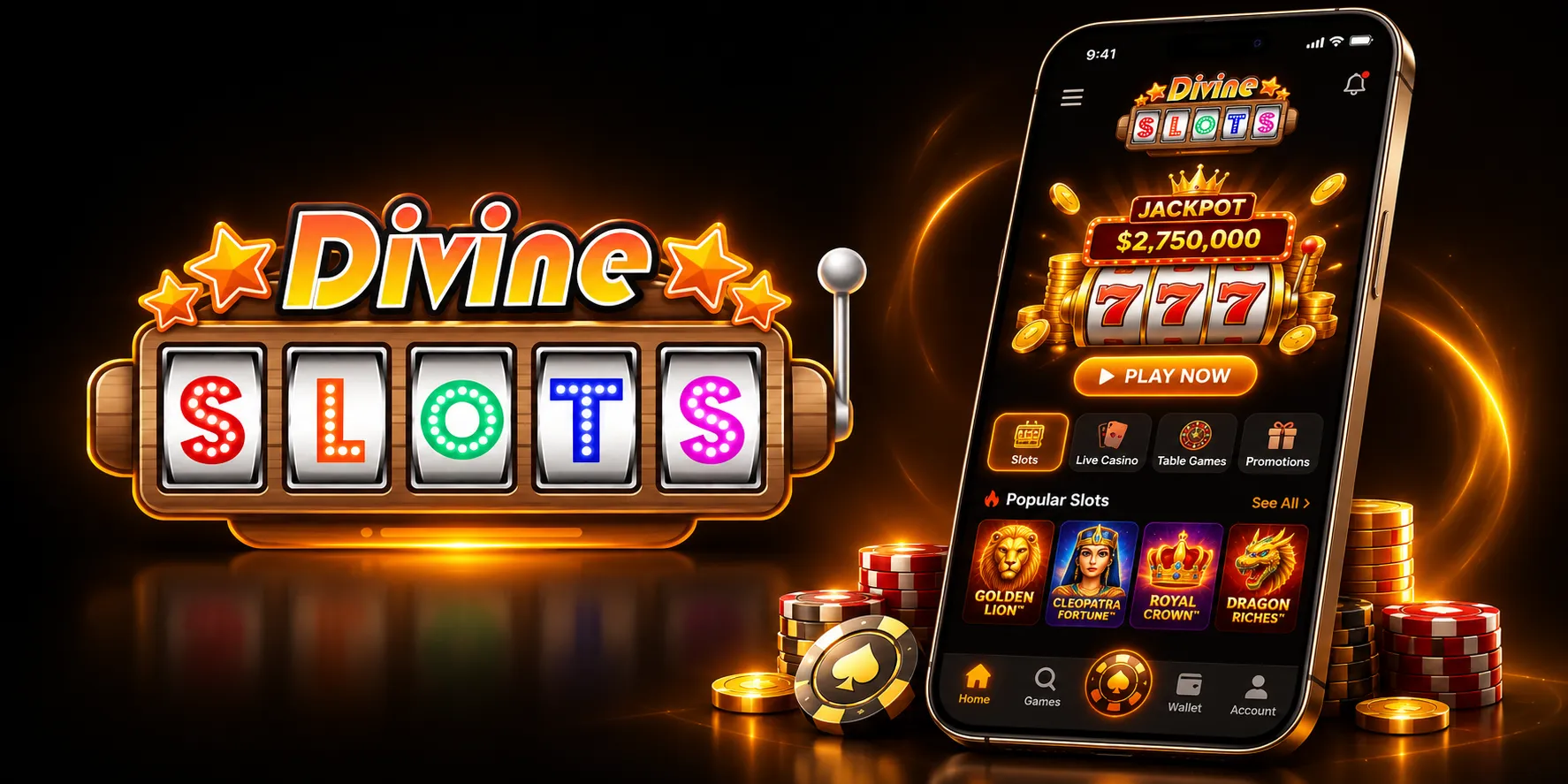

At DivineSlots, we've built a mobile experience that lets you carry your favourite slots and live tables wherever you go. There's no need to download anything extra - our platform runs directly through your phone or tablet browser, giving you instant access to the same games, bonuses, and account features you'd find on desktop. Whether you're commuting, waiting for the kettle to boil, or relaxing on the sofa, Divine Slots fits neatly into your pocket.
We know players searching for "divine slots app" often want a straightforward answer: is there something to install, or does it just work in a browser? Here at DivineSlots Casino, the answer is simple - we've opted for a mobile-optimised website rather than a downloadable application, and that choice comes with real advantages we'll walk you through below.
Why Players Choose the DivineSlots Mobile Platform
- No app store downloads or updates to manage
- Instant loading times even on older devices
- Full access to our slots, live dealer tables, and loyalty trophies
- Automatic syncing between desktop and mobile sessions
- Same secure payment options available on both versions
We at Divine Slots believe this approach removes friction for our players. You're never waiting for an app update before you can spin, and there's no concern about outdated software sitting on your phone. Everything you need is refreshed the moment you load the page.
How to Access the DivineSlots App Experience
Since we don't offer a native app from the App Store or Google Play, getting started is refreshingly quick. Our Divine Slots site has been designed to adapt automatically to whatever screen you're using, so there's no separate download page to hunt for and no storage space taken up on your device.
For Android Users
Simply open Chrome or your preferred Android browser, head to our website, and log in or register. We recommend adding our page to your home screen for a one-tap shortcut that behaves much like a traditional app icon.
For iOS Users
iPhone and iPad players can do the same using Safari. Once you've logged into DivineSlots, tap the share icon and choose "Add to Home Screen" to create a quick-launch icon without ever visiting the App Store.
Logging Into Your Divine Slots Account
If you already have an account on the desktop site, your login details carry straight over to mobile. We've kept the sign-in process at Divine Slots short and secure, so you can enter your username and password and be back in the action within seconds. For new players, registration follows the same quick steps whether you're on a laptop or a smartphone, and our deposit page explains everything about funding your account if you'd like more detail.
Game Selection on Mobile
Our mobile catalogue mirrors what you'll find on desktop, pulling titles from NetEnt, Microgaming, Hacksaw Gaming, Eyecon, Barcrest, and Red Tiger. Slot fans will find familiar reels optimised for touchscreen play, while those chasing a live casino atmosphere can jump into tables powered by Evolution. Blackjack, roulette, scratch cards, and video poker are all represented, giving you plenty to explore without ever feeling restricted by screen size.
| Game Type | Available on Mobile |
|---|---|
| Slots | Yes |
| Live Dealer | Yes |
| Blackjack | Yes |
| Roulette | Yes |
| Video Poker | Yes |
| Scratch Cards | Yes |
Banking From Your Phone
Deposits and withdrawals work identically whether you're on desktop or mobile. We accept Visa Debit, Mastercard Debit, Maestro, PayPal, paysafecard, and pay by mobile for funding your account, with a minimum deposit of GBP 10. Withdrawals can be made back to your debit card or PayPal, also starting at GBP 10, with a small GBP 2.50 fee applied per cashout. E-wallet withdrawals typically clear within 24 hours, while card withdrawals take between one and three working days once the standard 72-hour pending period has passed.
Claiming Bonuses Through the Mobile Site
Our welcome offer is just as easy to claim on mobile as it is on desktop. After making a qualifying deposit, you'll be prompted with a Mega Reel spin, and prizes ranging from free spins to an Amazon voucher can land directly on your screen. We've made sure every promotional banner and trophy tracker displays cleanly on smaller screens, so you won't miss out on anything by playing on your phone. For a full breakdown of our current offers, check out our DivineSlots bonus page.
Staying Connected With Support
We offer assistance primarily through email and our on-site FAQ, both accessible from any mobile browser:
- Email: [email protected]
- FAQ Section: Available directly on our mobile site
- Support Language: English
We don't currently offer live chat or phone support, but our email team aims to respond promptly to queries about deposits, bonus wagering, or account access.
Security and Licensing on the Go
Playing through a browser doesn't mean compromising on safety. DivineSlots operates under a UK Gambling Commission remote casino licence and holds an Alderney Gambling Control Commission Category 1 licence, both held by Jumpman Gaming Limited. Every session, whether on desktop or mobile, runs through the same encrypted connection and licensing framework, so you can play with confidence no matter which device you pick up.
Is the Divine Slots Platform Legit?
We understand why players typing "divine slots legit" into a search bar want reassurance before depositing. Our operator, Jumpman Gaming Limited, is based in Alderney and licensed in Great Britain, with clear terms published around wagering, bonus caps, and withdrawal procedures. We publish our restricted territories and terms openly, and our support team is available by email to answer any questions about account verification or payment processing.

Final Thoughts on Playing via Mobile
Choosing a browser-based approach over a downloadable app means Divine Slots stays lightweight, fast, and easy to reach from any device with an internet connection. Whether you're a longtime member chasing trophies toward your next Mega Reel spin or a newcomer exploring our slots library for the first time, we've designed the mobile experience to feel just as complete as sitting down at a desktop. Join us today and spin wherever you happen to be.
FAQ
Do you have a downloadable DivineSlots app?
No, we don't offer an app through Google Play or the App Store. Instead, we provide a fully responsive mobile website that works through your browser.
Can I play all games through the mobile site?
Yes, our complete library of slots and live dealer games is available on mobile, matching what you'd find on desktop.
Is Divine Slots legit and properly licensed?
Yes, we operate under a UK Gambling Commission remote casino licence and an Alderney Gambling Control Commission licence, both held by Jumpman Gaming Limited.
What is the minimum deposit on mobile?
Our minimum deposit is GBP 10, and the same limit applies whether you're using a phone, tablet, or desktop computer.
How long do mobile withdrawals take?
We process e-wallet withdrawals within 24 hours, while debit card withdrawals typically take one to three working days after the standard pending period.
Can I add a shortcut icon for quicker access?
Yes, both Android and iOS users can add our site to their home screen for a quick-launch icon that works just like a traditional app.
Content updated: November 21, 2026